
Manage your software translations without leaving your development workflow
Collingo connects your translation workflow with the tools developers already use — with APIs, CLI tools and framework-specific exports
How does Collingo support your development workflow?
Put translations in Collingo, manage them in a simple web UI, and generate files for your project.
Workflow
How Collingo fits into your workflow
Build your software and add translation keys via the CLI.
Manage your translations in Collingo or collaborate with your translators.
Generate the right translation files for your framework via the CLI or the REST API.
Fits the tools you already use
Export with the CLI for vue-i18n, Flutter, i18next, or JSON — or integrate via the REST API.
 vue-i18n
 Flutter
 i18next
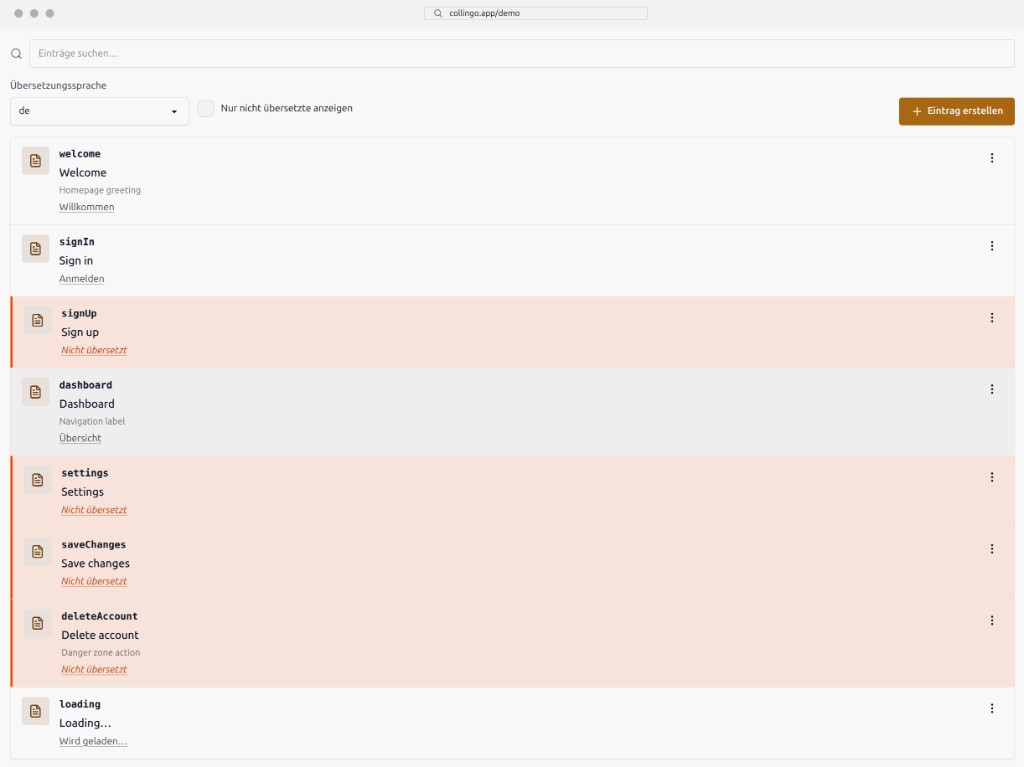
Try the entry editor
Create entries and explore the workflow — no account required.
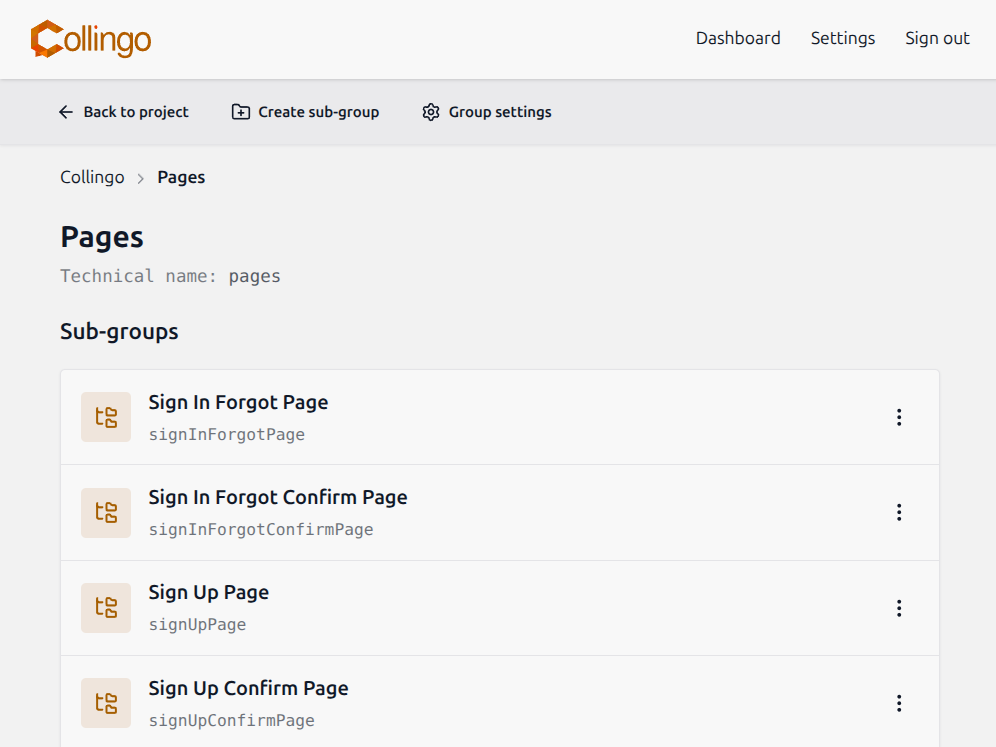
Manage your translations in groups to keep the overview
Organize entries in projects and nested groups — structure them the way that helps you stay oriented.
Work from your terminal, using the CLI tool!
Create and manage entries from the terminal — the same workflow as in the web UI.
collingo entries create --group examplePlease enter a technical name for the entry: labelHelloPlease enter a base term: Hello World!Enter optionally a context info: This is an example label💬 [OK ] Entry labelHello successfully created in group 69a9ecc2a35a7546f5fa21d7Pricing
Start free. Upgrade when your team or usage grows.